Mass Apply for Jobs? JobRight vs the Resume Enhancer Chrome Extension
Type "mass apply for jobs" into Google and you will find a dozen tools promising the same dream: click one button, fire your resume at hundreds of listings, and let a Chrome extension do the typing. Two of the names that come up a lot are JobRight and Resume Enhancer. They sound similar on the surface. They are not the same tool, and the difference matters if you actually want replies.
This is an honest comparison from us, the people who build the Resume Enhancer extension. We will tell you what each one does, where JobRight is genuinely strong, and why we deliberately built ours to work differently.
What "mass apply for jobs" and "automatic job search" really mean
Under the marketing, these tools do two separate jobs, and it helps to keep them apart.
- Automatic job search. The tool finds and ranks jobs for you, so you are not refreshing job boards all day. You give it your resume and preferences, and it surfaces roles that fit.
- Autofill and apply. A browser extension reads a job application form and fills it from your resume, drafts a cover letter, and attaches your file, so you are not retyping the same thing on every site.
Almost everyone searching for how to mass apply for jobs actually wants those two things done well. The disagreement is about the last step: should software click submit for you, or should you? That single choice is where JobRight and Resume Enhancer split.
JobRight's extension
JobRight is an AI job search copilot. It matches you to jobs, scores your fit, tailors your resume, and its Chrome extension autofills applications so you can move through them quickly. It is built for speed and volume, and it is good at that. If your plan is to get through as many applications as possible in a sitting, that is the design goal it is chasing.
The catch is the same one every high-volume tool runs into. When applying is nearly free, people apply to everything, recruiters get buried, and the response rate on blind, barely-tailored applications falls off a cliff. We wrote a whole piece on why mass auto-applying backfires: postings now pull hundreds of applicants, recruiters lean harder on filters, and volume without real tailoring reads as noise. Speed helps you only if what you send still looks like you cared.
The Resume Enhancer extension
Our extension does the tedious part and then stops. On any job application page you click Fill this form, and it loads your resume into every field, drafts a cover letter written for that specific job, and attaches your resume file. Then you review each answer, change anything you want, and click the site's own submit button yourself. The extension never submits for you.
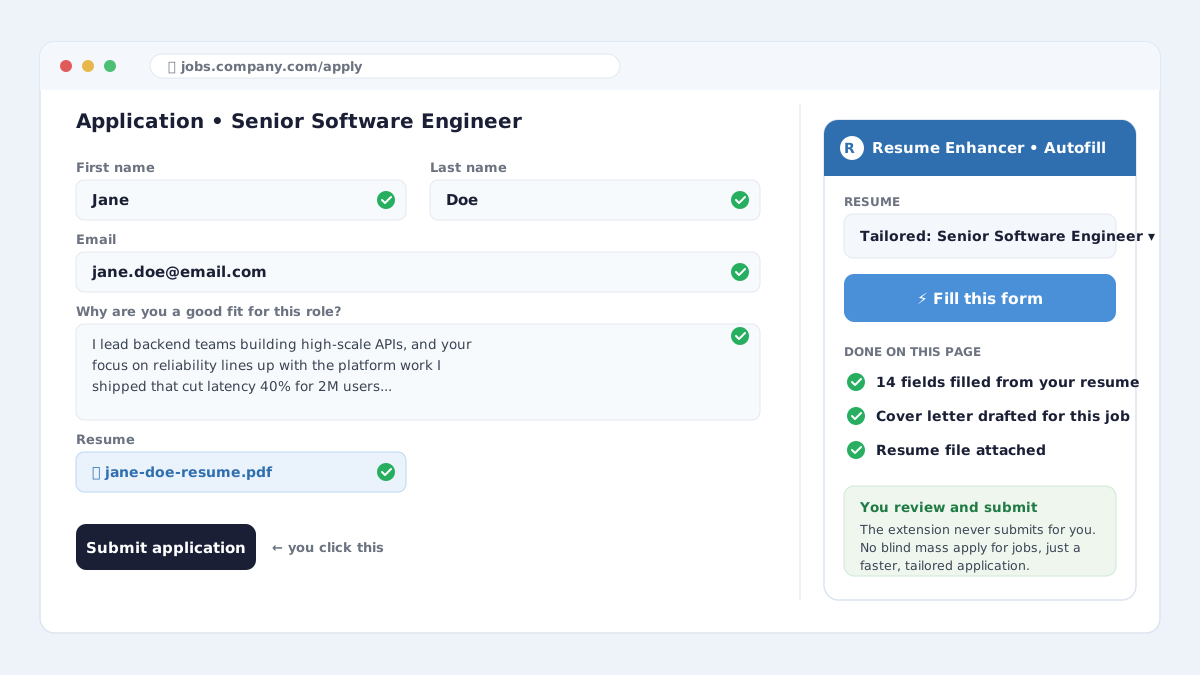
It works on standard application forms and the big applicant tracking systems, across multi-step flows (click "Fill this form" on each step). It is free to add to Chrome, and because you drive it in your own browser, it sidesteps the confirmation, login, and duplicate-submit problems that trip up server-side bots. This is not blind mass apply for jobs. It is a faster, tailored application with you still in the loop.
Side by side
- Who clicks submit. JobRight leans toward doing it for you at volume. Resume Enhancer always leaves the final submit to you.
- Tailoring. Both can tailor. Ours pushes you to apply with a resume version that already matches the job, and drafts the cover letter for that exact role, so the application does not read like a template.
- Speed vs signal. A volume tool optimizes for applications sent. We optimize for applications that get read. Ten tailored applications beat two hundred blind ones, and it is not close.
- Cost. The Resume Enhancer extension is free to install. Tailored resume versions are on the Ultra plan; base-resume autofill is on Pro.
Automatic job search, done the sane way
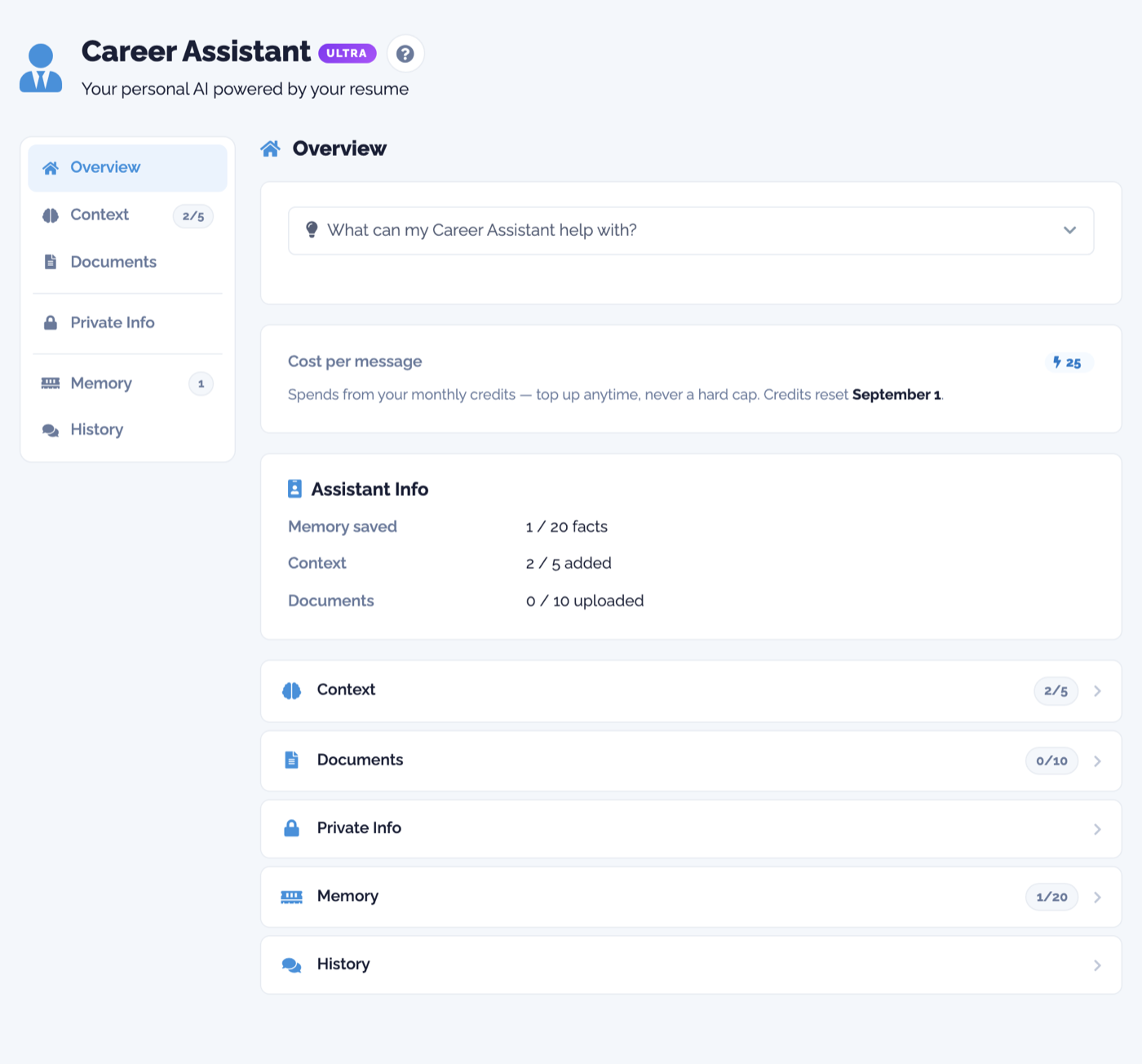
You still want the search itself automated, and we do that too. Career Assistant Picks finds real openings, scores each one against your resume, and hands you a ranked shortlist with the match reason spelled out. You can filter it down to a city or state so you only see roles where you want to work. It is automatic job search without the spray-and-pray step at the end.
Get started in three steps
Here is the whole setup. It takes a few minutes.
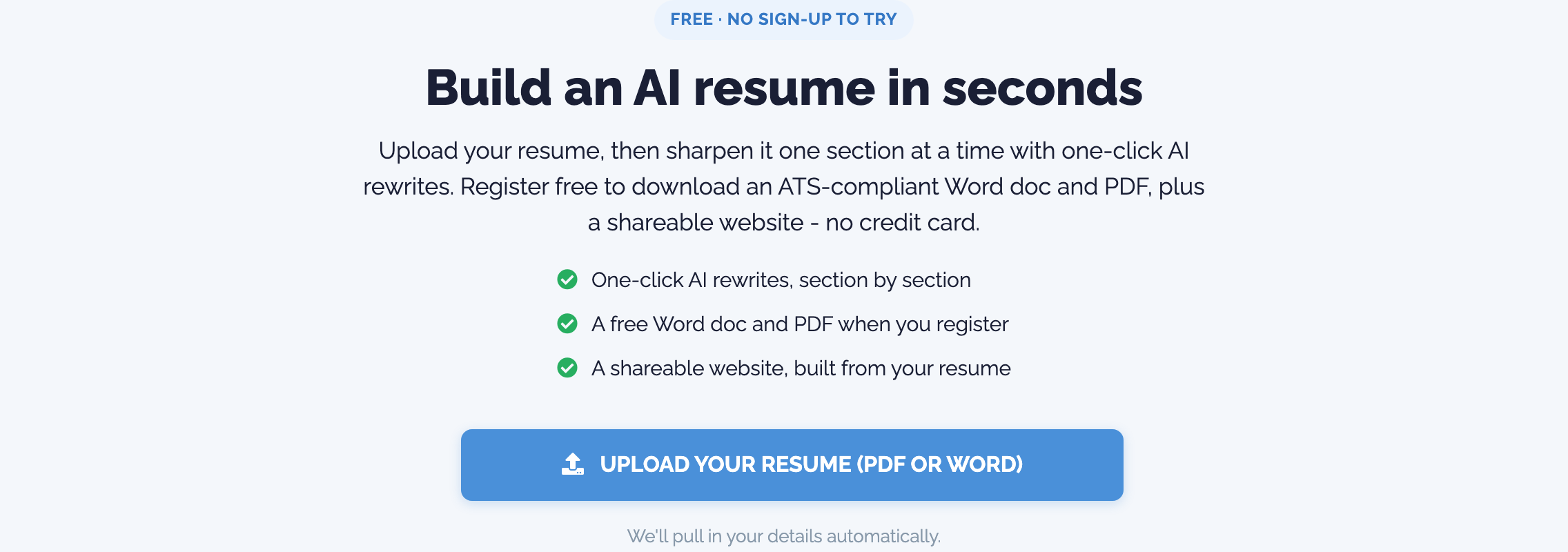
- Upload your resume. Drop your Word or PDF into the free builder and it reads your name, jobs, skills, and education automatically. No blank page, no account needed to try.
- Register in one click. When you want to save your work, download a clean file, or use the extension, sign up with Google or LinkedIn in one click. No long form, no credit card, and your guest work moves straight into your account.
- Start applying with the Chrome extension. Add the extension, sign in, pick your resume, and on any job posting click Fill this form. Review, personalize, and submit. Repeat on the next role in a fraction of the time.
The bottom line
If your only goal is raw volume, JobRight is built for that, and you should go in knowing the tradeoff that comes with volume. If you want the search automated, your resume tailored to each role, and the boring form-filling handled while you stay in control of what actually gets sent, that is exactly what we built the Resume Enhancer extension to do.
You can start free right now, or add the Resume Enhancer Autofill extension to Chrome and try it on your next application.
Ready to try it?
Build an ATS-ready resume, tailor it to every job, and let your AI assistant help you land the interview.
Get started for free