How to Update Your Resume With AI in Minutes (Free to Try)
Most people treat their resume like a fire extinguisher. They only reach for it when something is on fire, usually a layoff or a job they suddenly want. Then they open a two year old file, wince, and lose a whole weekend trying to remember what they actually did.
It does not have to be that way. Keeping your resume current is easy when the tool does the boring parts. Here is how to update and improve your resume with AI in a few minutes, for free, without starting from a blank page.
Why you should keep your resume updated
Recruiters and career coaches mostly agree on the cadence. A good rule is to refresh your resume every three to six months, and any time you pick up a new skill, finish a big project, or take on more responsibility. Waiting until you need it is how details get lost. You forget the number you hit, the tool you learned, the award you won.
An updated resume also just performs better. Most applications get read by software first, and it scores you on how well your resume matches the job. A current, keyword-matched resume is far more likely to reach a human, so the habit is worth building, as long as it is not painful.
The hard part is starting, so we made it one step
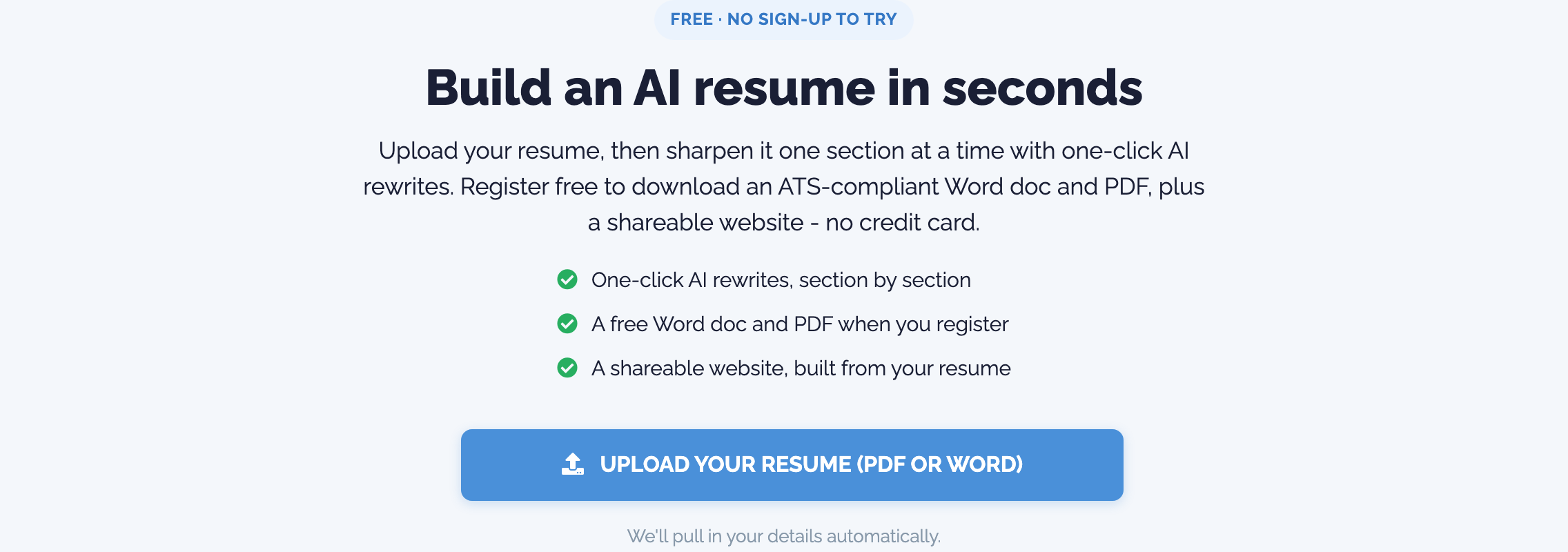
The reason people skip resume updates is the blank page. Our free builder removes it. Instead of retyping anything, you upload the resume you already have:
- Upload your existing resume. Drop in your Word or PDF file and it reads it, pulling in your name, jobs, education, and skills automatically. No blank page, no starting over.
The best part is you can do this with no sign-up, right on the free landing page.
Improve any bullet with AI, in one click
Once your resume is in, the improving part is where AI earns its keep. Every bullet point has a one click improve button. Click it and a weak line like "responsible for managing the team" becomes something sharp and specific, written in clear, recruiter-ready language. You stay in charge. If you do not like a rewrite, you keep your version.
You also get a live ATS score as you go, with plain fix-it tips. It tells you which keywords you are missing for the kind of role you want, so you are not guessing. Update, improve, check the score, repeat. The whole loop takes minutes, not a weekend.
One-click sign up when you are ready
You can build and improve your whole resume before you ever make an account. When you want to download the clean Word or PDF, or publish it as a website, registration is one click with Google or LinkedIn. No long form and no credit card. The work you did as a guest moves straight into your account.
Why this is the easiest way to do it
Updating a resume is a task people put off because the old way is slow and annoying. The whole point of the free builder is to make it the opposite: import instead of retype, one click improve instead of rewriting, one click sign up instead of a form. Keep your resume current in a few minutes, a few times a year, and you are never scrambling when the right job appears.
You can try it free right now. Upload your resume and see your first AI-improved version in a couple of minutes.
Ready to try it?
Build an ATS-ready resume, tailor it to every job, and let your AI assistant help you land the interview.
Get started for free