How to Tailor Your Resume to a Job Description (and Get Past the ATS)
Most people write one resume and send it everywhere. It feels efficient. It is also the fastest way to get ignored. If you want more interviews, the highest return move in a job search is to tailor your resume to the job description before you hit apply.
Here is why it works, and how to do it in a few minutes without rewriting your whole resume.
Why tailoring your resume to the job description works
Two things happen when you apply. First, an applicant tracking system, or ATS, parses your resume and looks for the keywords and skills from the job posting. Then a recruiter gives what is left a very short look. Eye tracking research puts that first look at about six to eight seconds. You have to earn both passes, and both reward a resume that matches the job.
The numbers are hard to argue with. Resumes that include the keywords from the job description are far more likely to be pushed to a human for review. One analysis of thousands of scans found that a large share of rejected resumes had fewer than half of the job's required keywords, even when the person clearly had the matching experience. Meanwhile, more than half of applicants still do not tailor their resume at all, which is good news for you.
Read the job description like a checklist
Open the job posting and treat it as a list of the exact words the company cares about. Pull out the job title, the must have skills, the tools, and the phrases that repeat. If the posting says "stakeholder management" three times, that is a keyword. If it lists "SQL" and "dashboards," those are keywords. Write them down.
Then compare that list to your resume. On average, a resume covers only about half of a posting's keywords, and even less of the soft skills. Your goal is simple. Close that gap using the real work you have already done.
Match the language, but do not keyword stuff
This is where people go wrong. Matching the job description means using the same words for the same skills, so the ATS and the recruiter both see the fit. It does not mean pasting a wall of keywords at the bottom of the page. Keyword stuffing is a real reason resumes get rejected, and both the software and the recruiter catch it. Use the keywords where they belong, inside real bullet points that show what you did with them.
So if the job asks for "project management" and you led projects, write "project management" in a bullet, not "managed a bunch of stuff." Same skill, their words.
What to actually change for each job
You do not rewrite the whole resume. You adjust a few high value spots.
- The title line. Mirror the job title you are applying for, when it is honest. A "Product Marketing Manager" posting should not be met with a resume that only says "Marketing Generalist."
- The summary. Rework the first two or three lines so the first thing the reader sees matches the role.
- The skills section. Reorder it so the tools and keywords from the posting sit near the top.
- The top bullets. Move your most relevant wins up, and rephrase them with the posting's language and real numbers.
That is it. Ten focused minutes per job beats an hour of blasting the same file everywhere.
Do it in minutes with the Career Assistant
Doing this by hand for every job is the reason people skip it. That is the exact job the Career Assistant is built for. Paste in a job description, and it pulls the keywords, compares them to your resume, and rewrites your bullets and summary to match, using your real experience and your own writing rules. It does not invent skills you do not have. It surfaces the ones you already earned and were burying.
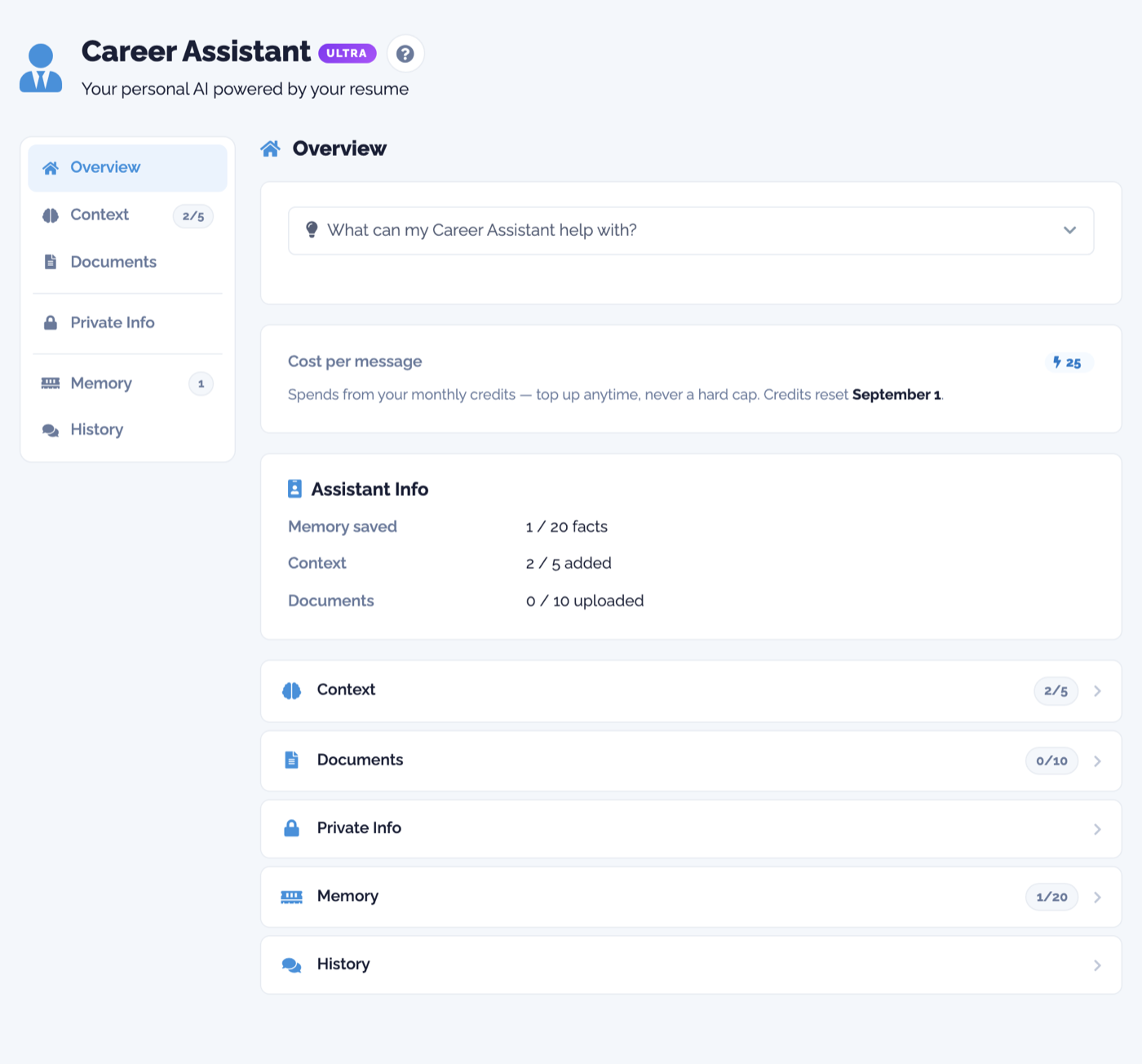
Because it already knows your background, it can also tell you how strong a fit you are before you spend time applying, so you aim at the jobs that are worth tailoring for.
A quick tailoring checklist
- Pull the repeated keywords and skills from the job description.
- Check how many already appear on your resume.
- Mirror the job title and rework your summary.
- Reorder skills and top bullets to lead with the match.
- Use their words inside real bullets, and never stuff.
- Save it as a version for that job, then apply.
Tailoring is not about tricking anyone. It is about making it easy for a busy system and a busy person to see that you are a fit in the few seconds you get. Do that, and you stop competing with everyone who mailed in the same generic resume. You can start for free and tailor your resume to your next job in a few minutes.
Ready to try it?
Build an ATS-ready resume, tailor it to every job, and let your AI assistant help you land the interview.
Get started for free